
Your Guests' Playlists, Live in Your Venue
Guests sign in with Spotify, pick one of their own playlists, and every track is matched to your licensed library - ready to request with a tap. Nothing makes a guest feel more at home than hearing their own music.
- Plays from your licensed library, not from Spotify
- Nothing extra for guests to install
- Staff can load a whole playlist in one move

From their playlist to your room
Guests sign in
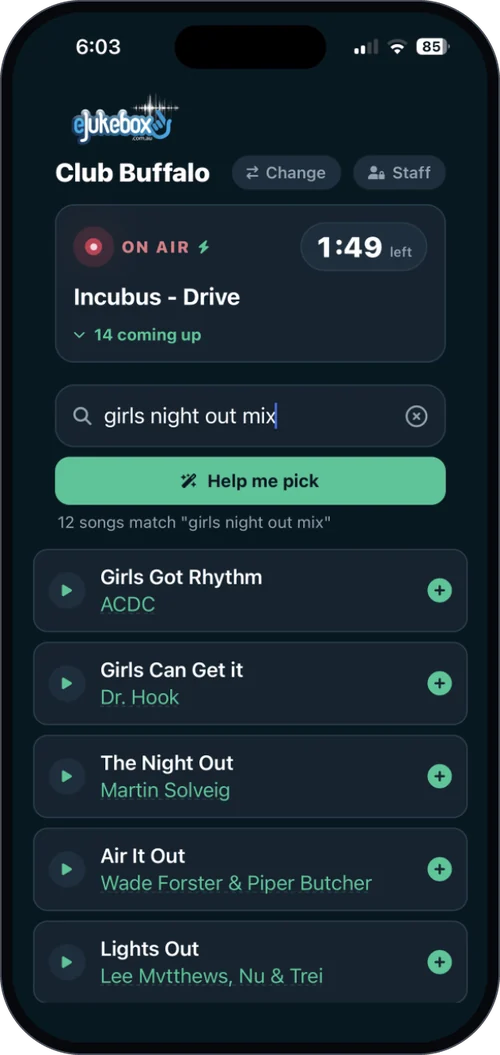
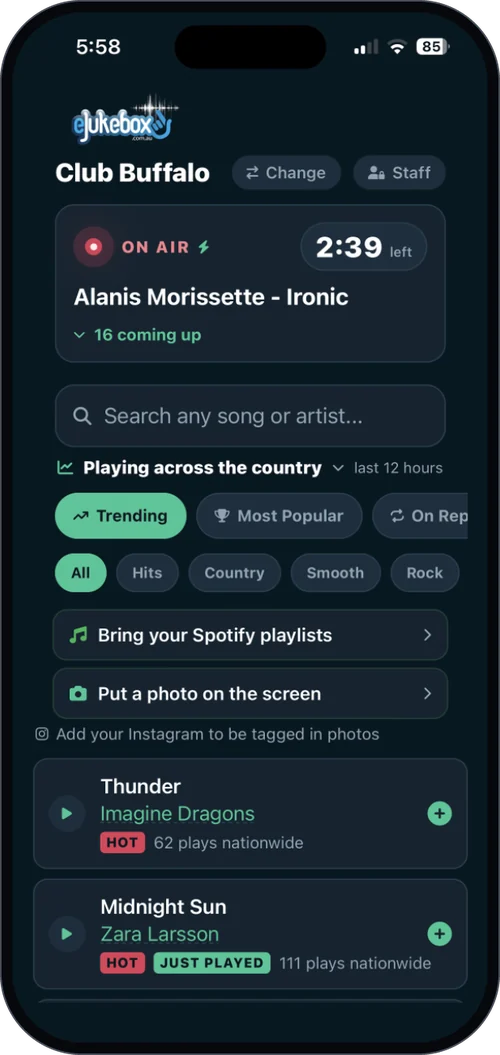
On your venue's request page a guest taps "Sign in with Spotify" and chooses one of their own playlists, right there on their phone.
Smart matching
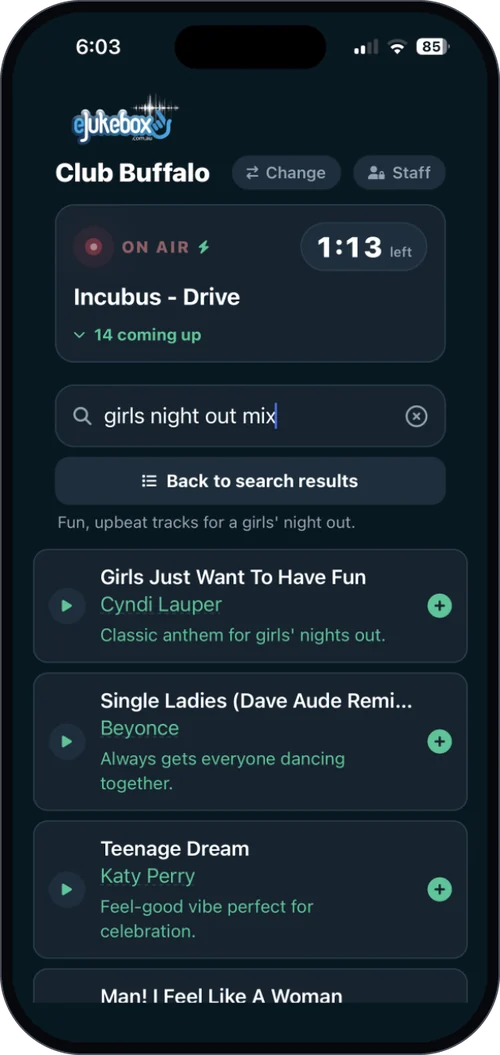
Every track is matched against your venue's library, so "the song they want" becomes "a song you can play".
Request in a tap
Matched songs are ready to request straight away. Only songs that match your library are offered, so nobody hits a dead end.
For your guests, and for your team
For your guests
The songs they actually care about are already in their Spotify. Now they can request them in your venue, safely matched to the music you are licensed to play.
For your staff
Behind the bar, your team can hand-pick a few songs or load an entire curated Spotify playlist into the player in one move, queueing every matching track at once.
Watch a playlist flow into the room
What venues ask first
Does the music play from Spotify?
No. Spotify is only where the playlist comes from. Every song plays from your venue's licensed eJukebox library, which is what keeps it legal for business use.
What if a song is not in our library?
It is simply not offered. Guests only see the songs that match your library, so nobody is promised a song you cannot play.
Do guests need anything special?
Just their own Spotify account. They sign in on your venue's request page - there is nothing extra to install.
What does it cost?
Spotify integration is an add-on to Core, and it is included in Complete. See plans & pricing.
Play the music they already love
Tell us about your venue and we will show you guests' playlists flowing into the room.
Tell us about your venueOr see plans & pricing for your venue.