
Two Apps. One Great Night.
eJukebox Request puts the jukebox in your customers' hands. eJukebox Admin lets your staff run the room from their phone. Both free, on iPhone and Android.
eJukebox Request
Their phone becomes the jukebox. Customers walk in, see what is playing and pick the next song, all from the app.
- Walk in and you are connectedThe app finds the room. Scan the venue's QR code or type its short code and you are in.
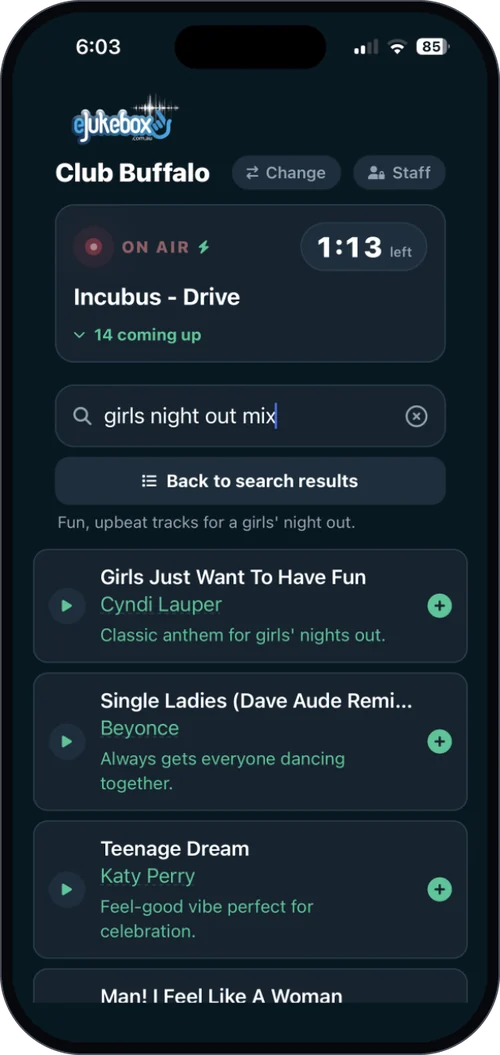
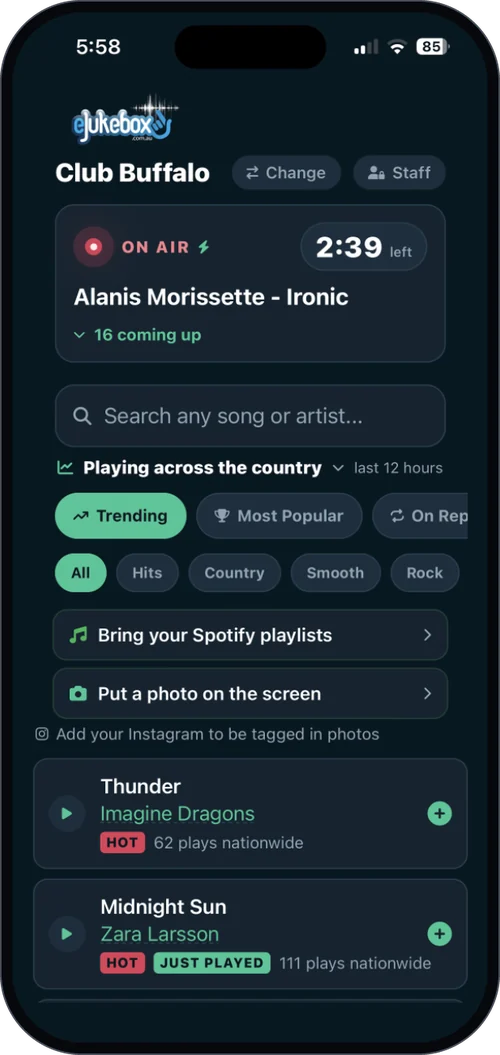
- See what is playingThe song on now, how long is left, and what is coming up next, live.
- Pick the next songSearch the venue's library, hear a preview and queue it. Not sure? Tap "Help me pick" and describe the mood.
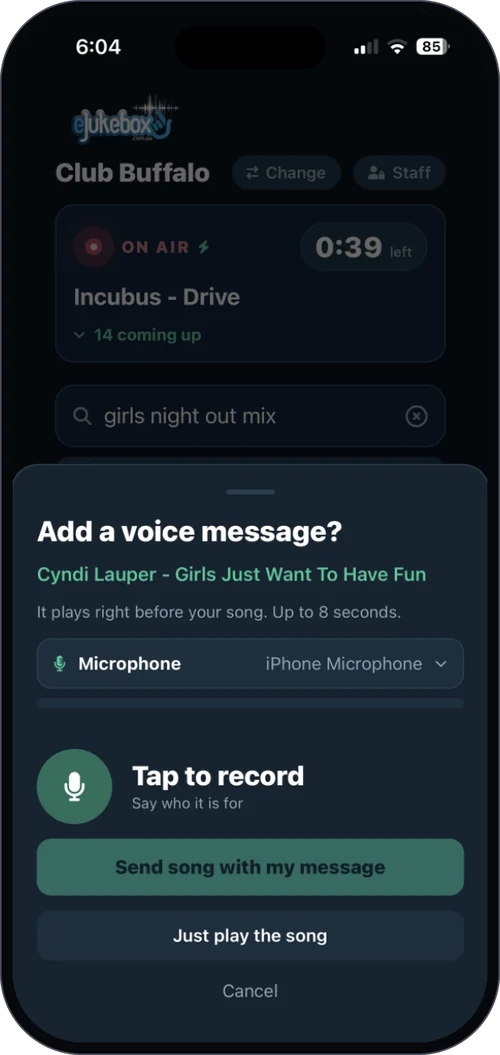
- Add your voiceWhere the venue allows it, record a short dedication that plays right before your song and blends into the intro, like a radio DJ.
- Your photo on the big screenWhere the venue has switched it on, send a photo from your phone to the venue's screens.
Free for customers at any venue running eJukebox.

Rather not download anything? Customers can scan the venue's code and request from their phone's browser instead.
eJukebox Admin
Run the room from your phone. Everything that matters about the venue's sound, without leaving the floor.
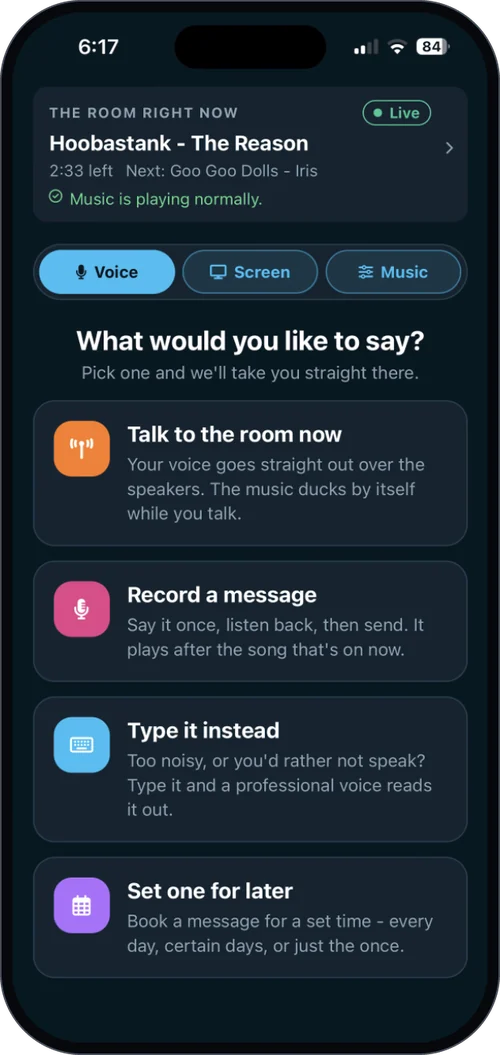
- The room at a glanceWhat is playing, what is next, and whether the player is healthy.
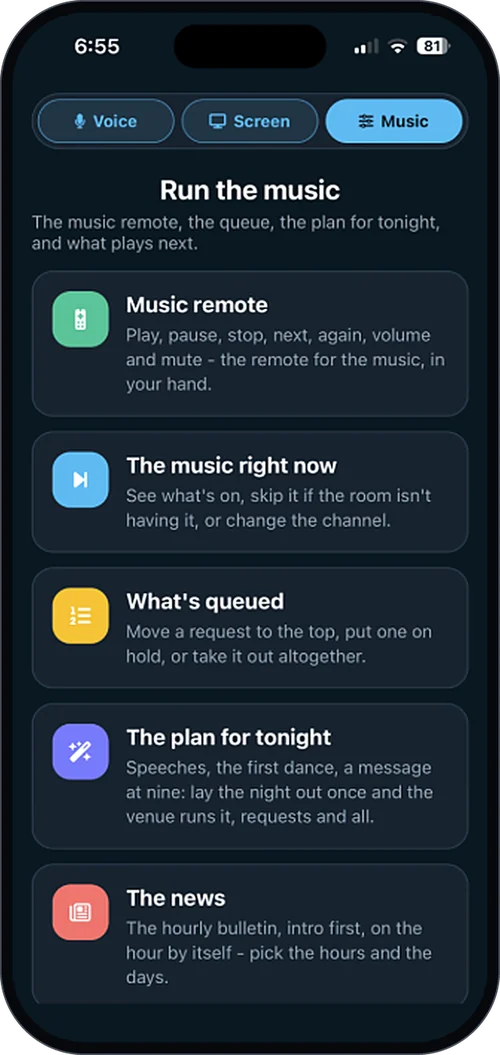
- Steer the musicSkip, hold or reorder requests and switch channels. Or just ask in plain English.
- Talk to the roomRecord an announcement, type one for the announcer voice, go live, or schedule it for later.
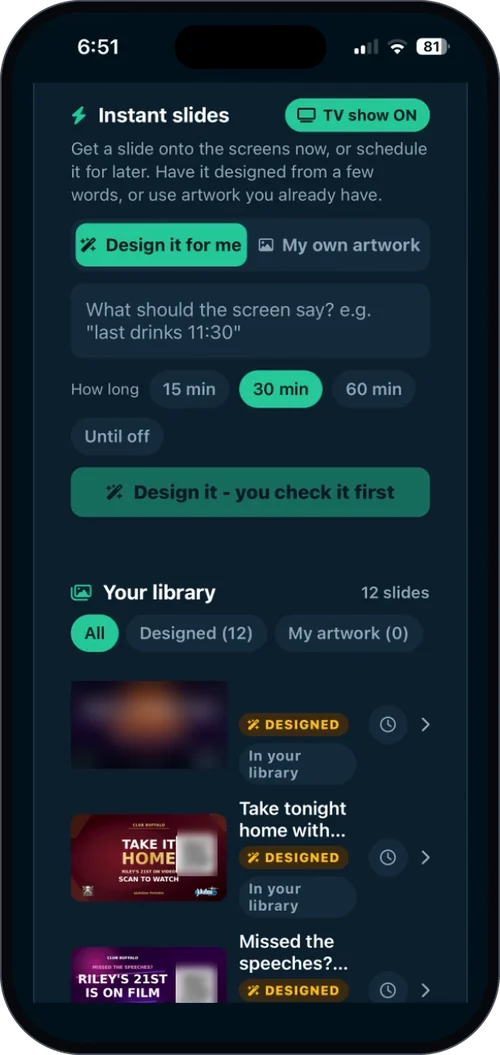
- Run the screensPut photos and slides on the venue's screens, and approve patron photos.
- Look after your teamInvite staff, approve access requests and choose who manages the team.
Free for staff at eJukebox venues. Some features depend on your plan.
The iPhone app is not listed in App Store search, so use the button above. Sign in: find your venue, then Google, Microsoft, Apple or the venue password.
eJukebox Music - every radio station in Australia and New Zealand in one free app, each at the best sound it broadcasts. More than 800 stations, with our own eJukebox channels at the top.
Which app do I need?
I'm a customer at an eJukebox venue
Get eJukebox Request. Open it at the venue, scan the code or type the venue's short code, and start picking songs. You can also skip the app and request from your phone's browser.
I work at an eJukebox venue
Get eJukebox Admin. Find your venue, sign in, and if it is your first time with your own account, tap Ask to be added so a manager can approve you.
I can't find eJukebox Admin in the App Store
The staff app goes straight to eJukebox venues, so App Store search will not show it. Use the App Store button on this page and it opens directly.
Which phones do they work on?
iPhone, on iOS 15.1 or later, and Android phones.
Do they cost anything?
No. Both apps are free to download. Request is free for customers, and what Admin can do follows the venue's eJukebox plan. See what is included.
Want this in your venue?
Your customers pick the music, your staff run the room, and nobody leaves the floor. Tell us about your venue and we will show you what eJukebox would do for it.
Tell us about your venueOr see plans & pricing for your venue.