Jukebox Your Event
Your guests didn't come to watch the night. Give every function its own jukebox: they pick the music, put their own photos on your screen - branded with your logo and ready to share on Instagram and Facebook - and record an eight-second shout-out that plays right before their song and blends into the intro. All from the phone already in their pocket, while whoever is running the night keeps full control.
- No app, no sign-up for guests
- Checked before it reaches the room
- Runs on the screen you already own
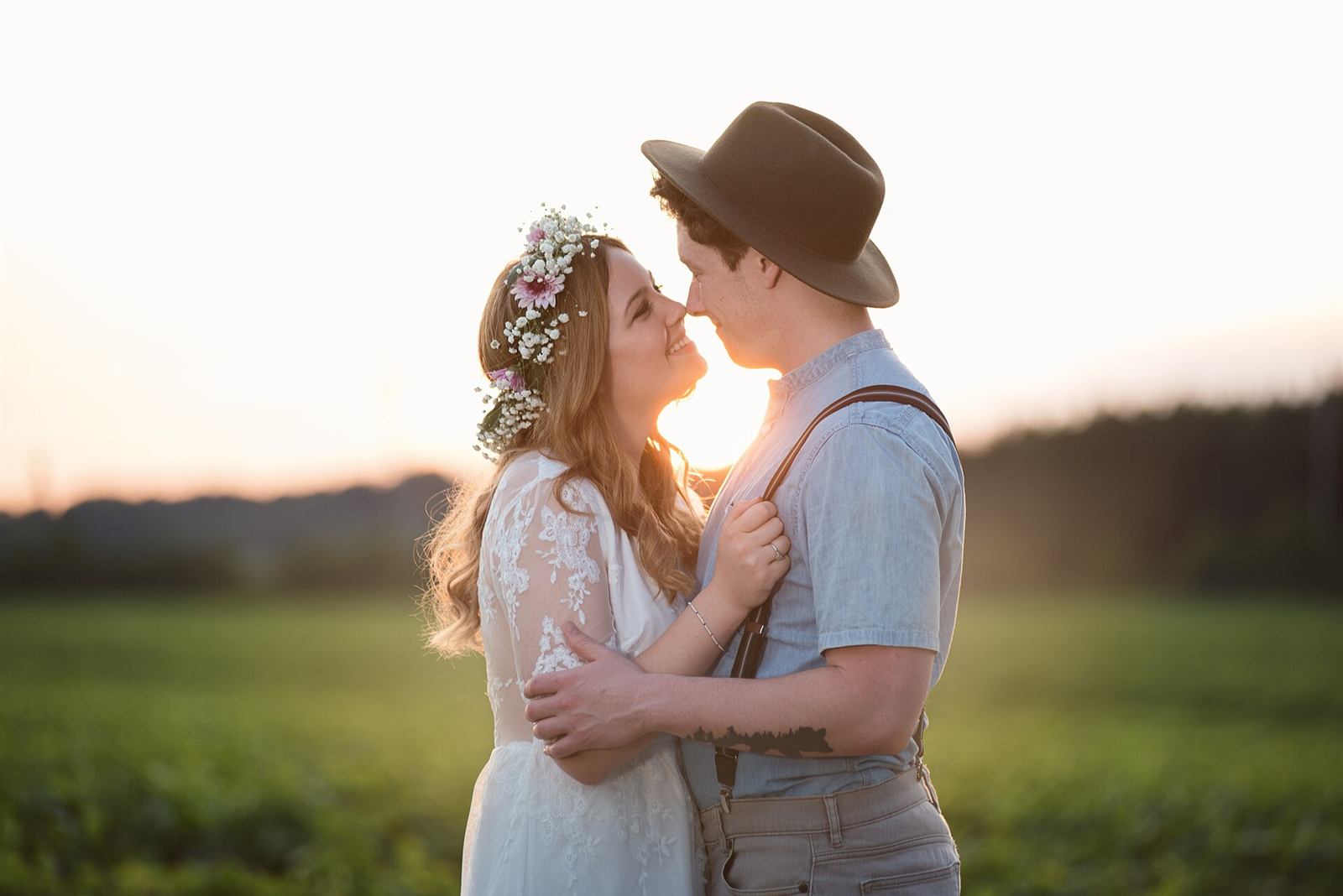
You have years of good photos of her sitting on your phone. The one from the road trip. The one nobody has seen. You scan the code on the table, pick one, and seconds later the whole room is looking at it.
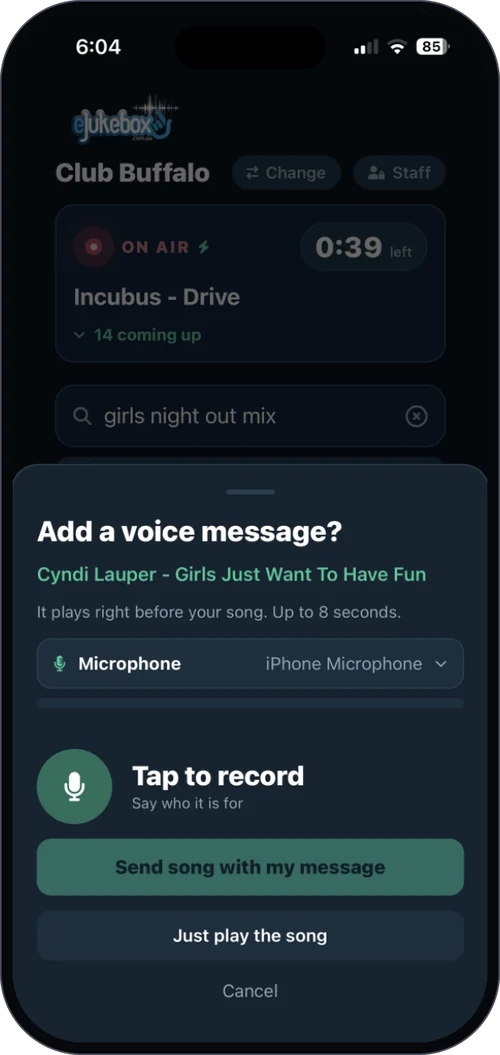
Then you request the song you know she loves, and record eight seconds saying why. It plays across the room, in your voice, right before that song - and the song swells in underneath you, like a radio DJ. The room turns. She looks up.
So does her best friend. So does her uncle. So do fifty other people who came to celebrate and would never in a million years have stood up to make a speech.
Nobody organised it. Nobody was handed a microphone. It simply happened, all night, because the room was finally given a way to join in.
That is the difference between a room with music in it and a night people are still talking about years later.

Four things, one phone, nothing to download
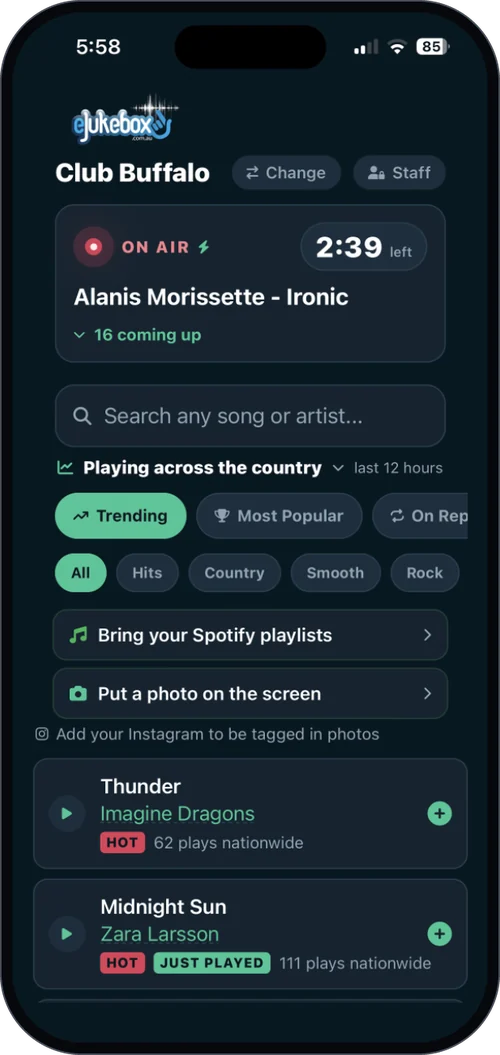
Everyone in the room scans the function's own code, which opens the same eJukebox request screens just for your night. From there it is all live, and it is all still yours to control.
They put their photos on the screen
Guests pick a photo from their phone and it is up on your screen within seconds, branded with your logo, for the whole room to see.
Every image is screened automatically before it can appear, and your staff can pull anything down with one tap. Nobody has to stand guard over the screen.
Available nowThey pick the music themselves
Same phone, same code. Guests browse and request what they want, and they can ask for it in plain English, like "something for a 50th", instead of hunting for a track name.
Which means the people who would never normally request a song finally do.
Available nowThey say eight seconds out loud
Any guest can record a short dedication that plays across the room right before the song they picked, blending into the intro like a radio DJ. A message to the bride. A shout for the birthday girl. A word for someone who could not be there.
Every one is transcribed and checked before it airs, so it is safe to hand to a full room.
Available nowAnd someone stays in charge
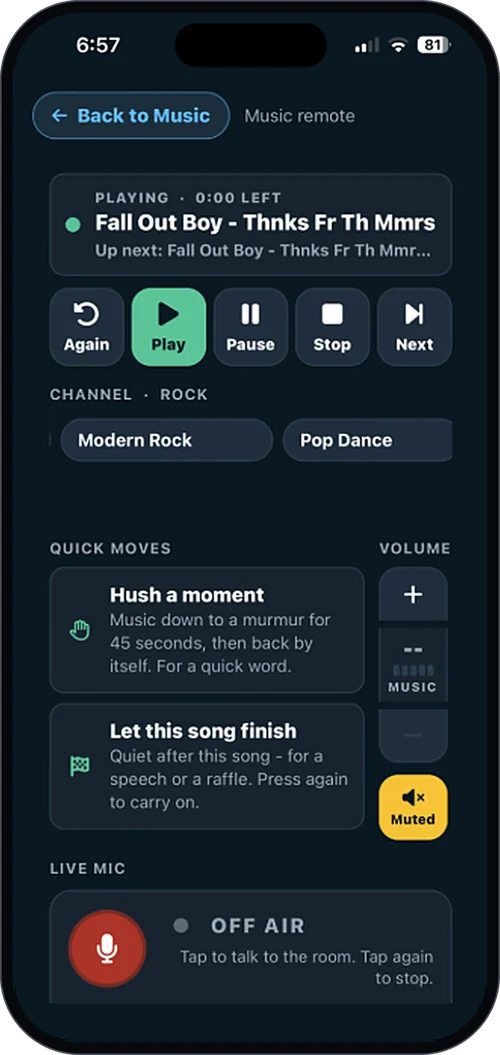
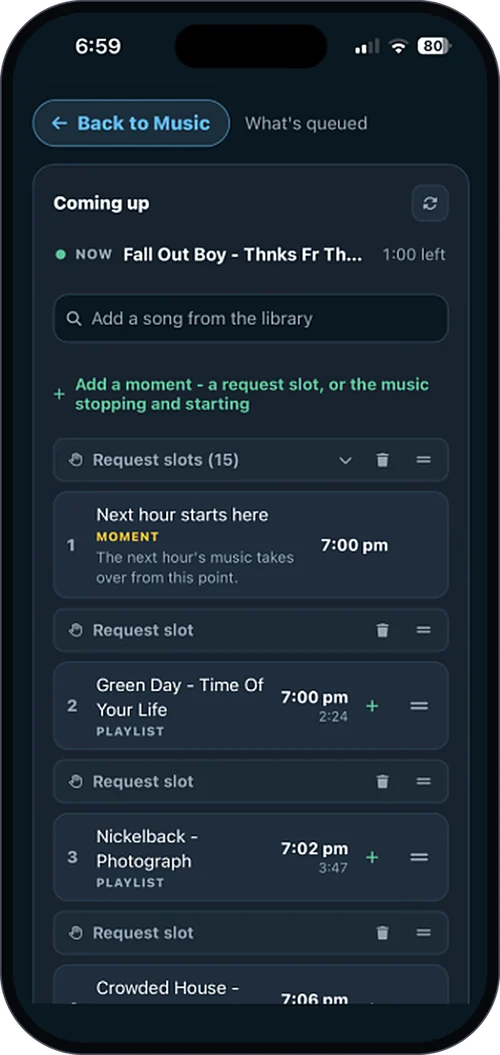
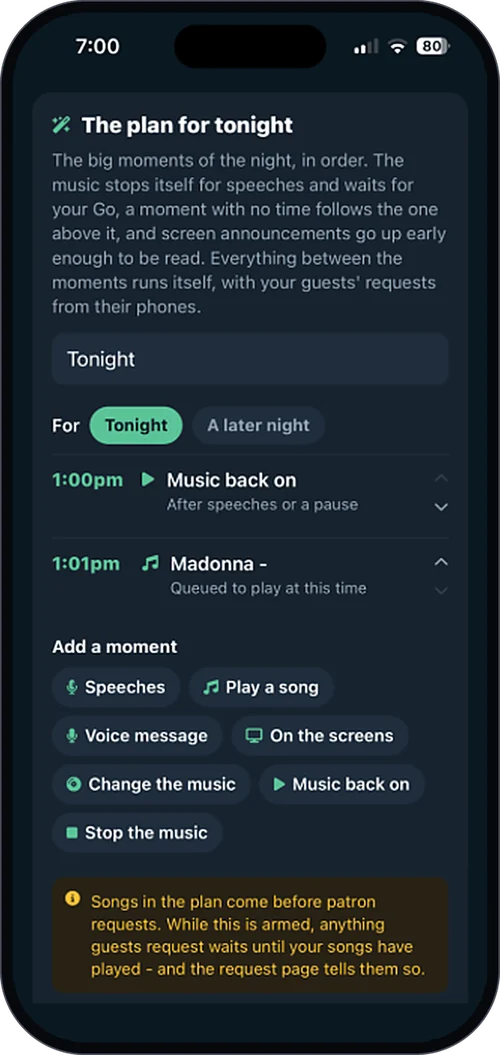
Whoever is running the night gets their own controls, for that night only. Skip a track, cue the right song for the first dance, pull a request that does not belong, and stop cleanly when the speeches start.
Your team never gets pulled off the floor, and when the night is over, so is their access.
Available now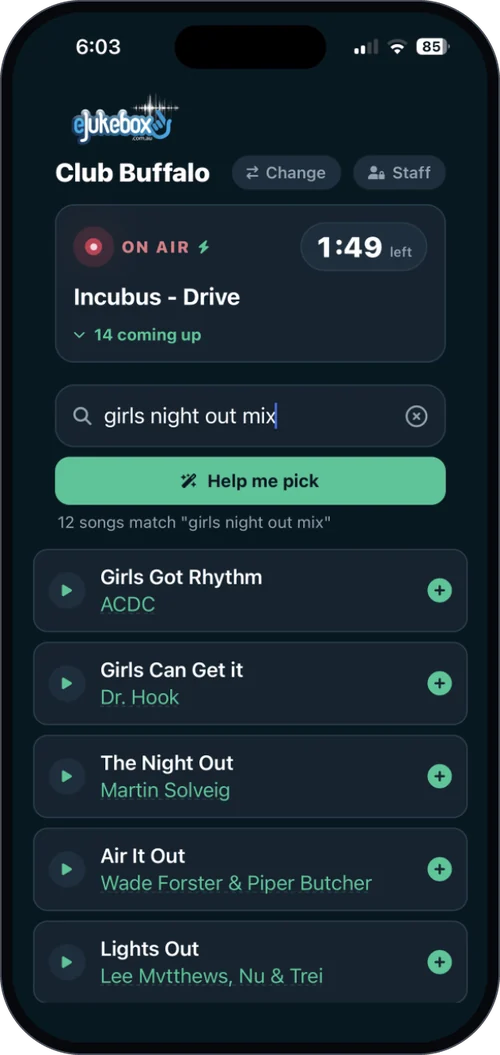
And in the morning, they get the whole night back
Every photo the guests put on that screen, gathered into one film, with every voice dedication playing back to back over the top of it. Sent to whoever booked the function.
The speeches get filmed and the photographer gets paid. But nobody has ever captured the fifty small voices that actually made the night. This does, without a single person being asked to.
They booked a room. They keep the night.
You almost certainly have everything already
No rebuild, no rewiring, no new room. If there is a TV on the wall with a spare socket, you are ready.
One spare HDMI socket
It runs on a screen you already own. Venues with several screens can put the photos on one and leave the sport running untouched on the rest.
One code on the tables
Guests scan it and they are in. Nothing to download, no account to create, no queue at a booth, no password read out over a microphone.
One person holding the reins
The host gets night-only access from their own phone, and it switches itself off when the function ends. Your staff stay exactly where they are needed.
Every function room offers a room, a bar tab and a playlist
This is what makes yours the easy yes, and what wins the next three bookings their friends make.
They remember where it happened
People do not recommend a function room. They recommend the night they had in it, and this is the part they will be describing.
Your staff stay on the floor
Nobody gets stuck running music off a laptop or fielding "can you play" all night. The room looks after itself.
Your brand rides along
Every photo carries your logo. When guests reshare them, and they will, your venue goes out with them.
It earns on ordinary nights too
The same screen and the same system work every night you are open, not only when there is a function booked in. See In-Venue Screens.
Any night where the room already knows each other
The questions everyone asks first
What stops someone putting something awful on the screen?
Every photo is screened automatically before it can appear, and every voice dedication is transcribed and checked before it airs. On top of that your staff keep a live feed with a one-tap remove. Nothing reaches the wall unseen, and nobody has to stand there watching it all night.
Do guests need to download an app?
No. They scan the code and it opens in their phone's browser. No app, no sign-up, no account, no password. That is deliberate, because anything more and half the room will not bother.
Do we need to buy a screen?
Usually not. A TV or commercial display with a spare HDMI socket is all it takes. If you would rather have a dedicated screen or a wall-mounted touchscreen we can supply one, quoted for your venue, with no margin loaded onto the hardware.
What if the host wants the music left alone?
Then it is. Photos, requests and dedications can each be switched on or off for the night. Some hosts want the whole room running it, others just want the controls and a good channel. Both work.
Does this only work for functions?
No, and that is rather the point. The same system runs every night you are open. The function features simply hand the room over for one evening.
Give them a night they would hate to have missed
Try it on one function. Put the codes on the tables, hand the host the controls, and watch what the room does with it. If it does not light the place up, you have lost nothing.
Try it free for 30 days in your venueOr see plans & pricing for your venue.